Package and installation
Run the command from a supported agent environment and review the terminal output. For defects, prepare the runtime version, reproducible steps, and sanitized logs.
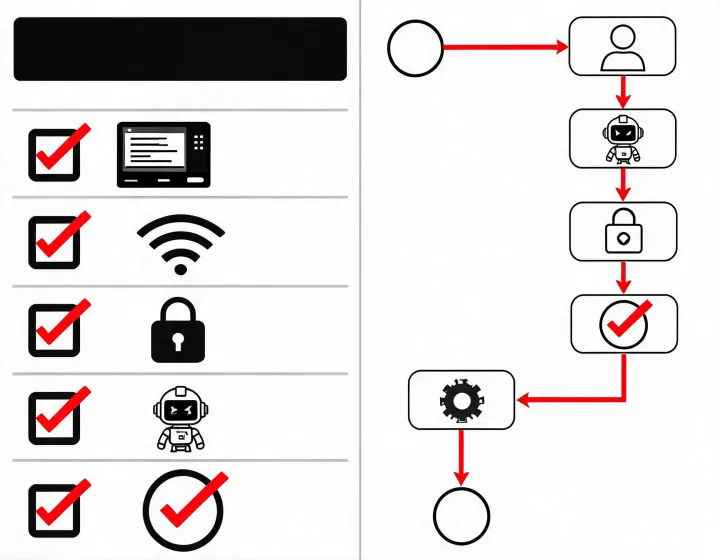
Open the install checklistINSTALLATION DESK
This page is a practical installation reference, not a sales form. Start with the command, inspect what runs, and keep provider access deliberately narrow.
CONTACT INFORMATION
No inquiry form is required to install. Use the public channels below for documentation, package review, and issue reporting; never include API keys, contact records, or customer data in a public message.
Run the command from a supported agent environment and review the terminal output. For defects, prepare the runtime version, reproducible steps, and sanitized logs.
Open the install checklistDocument the package version, requested permissions, connected provider, data path, retention behavior, and revocation procedure before internal approval.
Read the privacy frameworkSelf-service documentation is available continuously. Public issue response timing is not guaranteed; do not treat an unconfirmed message as an incident-response commitment.
Review research notesBEFORE YOU RUN
The first controlled test should include known-fit, known-misfit, and ambiguous accounts. Compare inclusion reasons, missing evidence, role inference, and contact enrichment against a reference decision made before the run. This separates workflow quality from confirmation bias.
npx -y @okki-global/okki-go-taroballCopying is not installation. Run, configure, and verify a first result as separate steps.